- Insert structured reporting block in :contentReference[oaicite:0]{index=0} via SmartKey.
- Send EMR form shortcuts in :contentReference[oaicite:1]{index=1} clinical notes.
No mapping selected
Choose a remapping from the left panel or create a new one.
Device Key Remapper Utility
No mapping selected
Choose a remapping from the left panel or create a new one.
Enterprise HID remapper and workflow accelerator for radiology & clinical reporting
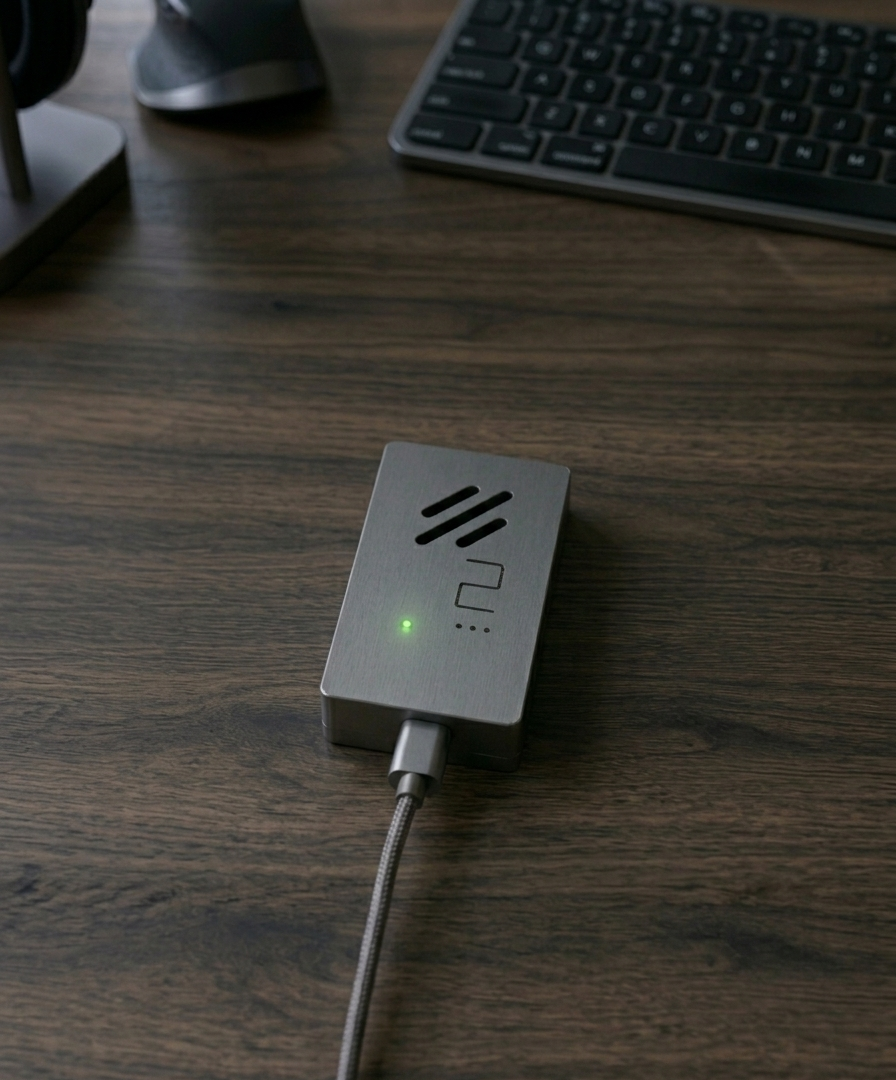
Keybind X is a clinical-grade HID bridge that receives input from connected hardware (keyboard, mouse, footpedal, PowerMic, consumer controllers), applies deterministic remapping and behavior rules, and then sends the resulting HID events to the host system. It supports layered mappings, multi-tap behaviors, phrase expansion, punctuation & capitalization assistance, configurable idle behavior, Bluetooth pairing, and secure firmware management.
Keybind X can present itself to the host as one or more of the following HID profiles.
Buffered trigger detection and controlled replacement for templates and clinical snippets. Triggered expansion is completed when the user types Space or Enter (configurable).
;ctchestTECHNIQUE: Helical CT chest with IV contrast. FINDINGS: IMPRESSION:
;peposIMPRESSION: Positive for acute pulmonary embolism involving segmental branches...
;fu2wkFollow-up imaging in 2 weeks recommended. Clinical correlation advised.
{
"trigger": ";ctchest",
"output": "TECHNIQUE: ...",
"termination": ["space","enter"],
"erase_trigger": true,
"inter_key_delay_ms": 8
}
Shorthand phrase expansions that are activated on Space or Enter — suitable for multi-line clinical templates.
.dcsumDISCHARGE SUMMARY: Hospital course... Follow-up:
.imprIMPRESSION: 1. No acute cardiopulmonary disease. 2. No focal consolidation.
Advanced behavior resolution modeled on industry firmware concepts to enable tap/hold dual functions, toggles, and multi-tap sequences.
{
"behavior":"tapdance",
"key":"TD_PARENS",
"interval_ms":200,
"actions":["(",")","{}"]
}
Example: [PRESS LCTRL] [PRESS LSHIFT] [TYPE "Find"] [DELAY 50] [RELEASE]
JSON:
{"steps":[{"type":"press","key":"LCTRL"},{"type":"type","text":"Find"},{"type":"delay","ms":50}]}
Features to improve typing speed and reduce manual corrections: auto-period on double-space, sentence auto-capitalization, and automatic bracket pairing.
Profiles can be created, duplicated, renamed, deleted, and selected. Profiles contain layers, behaviors, and text templates.
{
"profile_name":"pacs_nav",
"layers":[
{"name":"base","mappings":{...}},
{"name":"nav","mappings":{...}}
],
"smartkey":[{"trigger":";ctchest","output":"..."}],
"metadata":{"created_by":"admin","version":"1.2.0"}
}
Newest firmware versions are uploaded to the update server. Users may choose to download and apply updates. The update process verifies integrity and will roll back if health checks fail after upgrade.
{
"version":"1.3.5",
"sha256":"",
"signed":true,
"notes":"Improved SmartKey timing and TapDance interval config"
}
Factory reset clears all custom profiles, templates, and Bluetooth pairings and restores factory default profiles: Footpedal and PowerMic.
Keybind X can present configurable Vendor ID (VID) and Product ID (PID) values for sites that require specific device identities. Changing VID/PID may affect driver behavior in host systems.
Discovery, bonding, auto-pair options, and forgetting devices for secure clinical deployments.
Optional feature to prevent host sleep or session timeouts by generating minimal mouse movement events at a configurable interval (default: every 30 minutes). Can be enabled/disabled per profile.
Current Version: 1.0.0
Available Version: —
Connect your device to set key mappings
Secure data • Local management • Server-less processing